Project Broom
A downloadable game for Windows
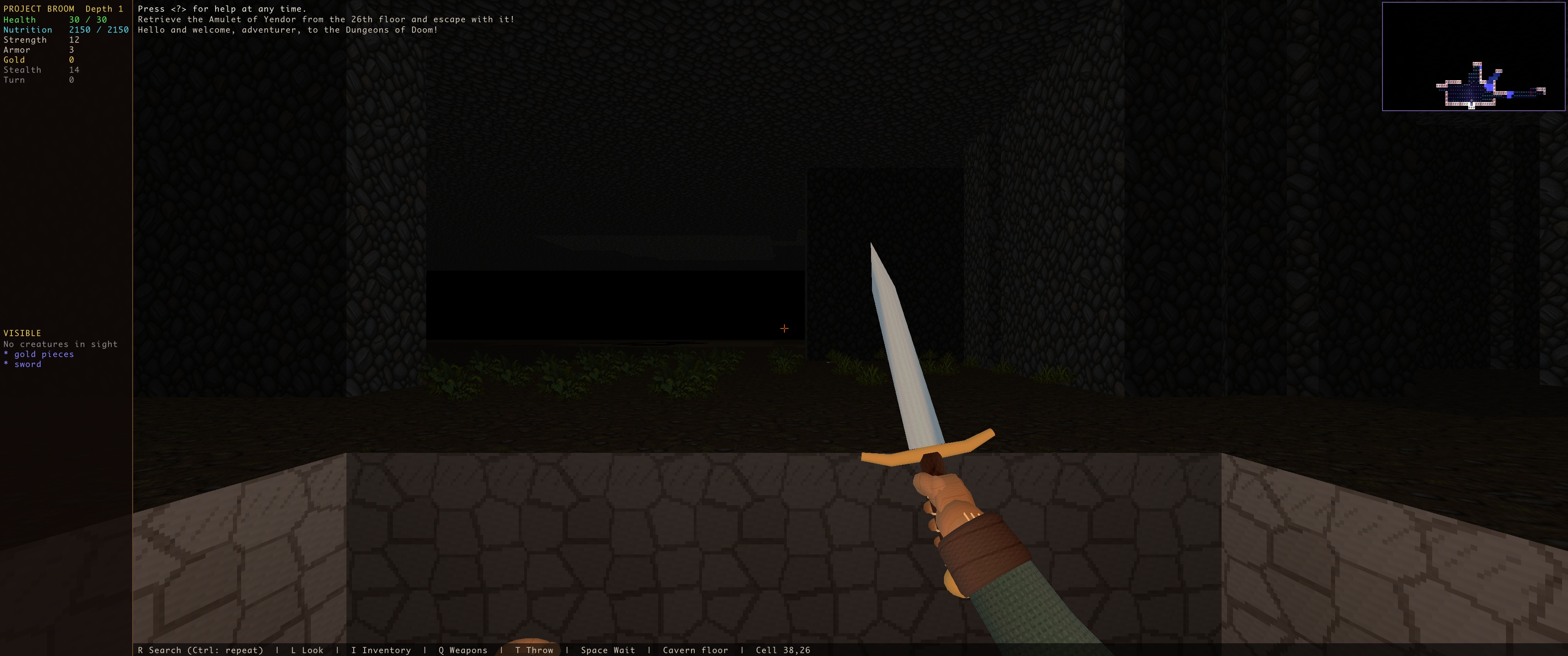
Brogue, from inside the dungeon.
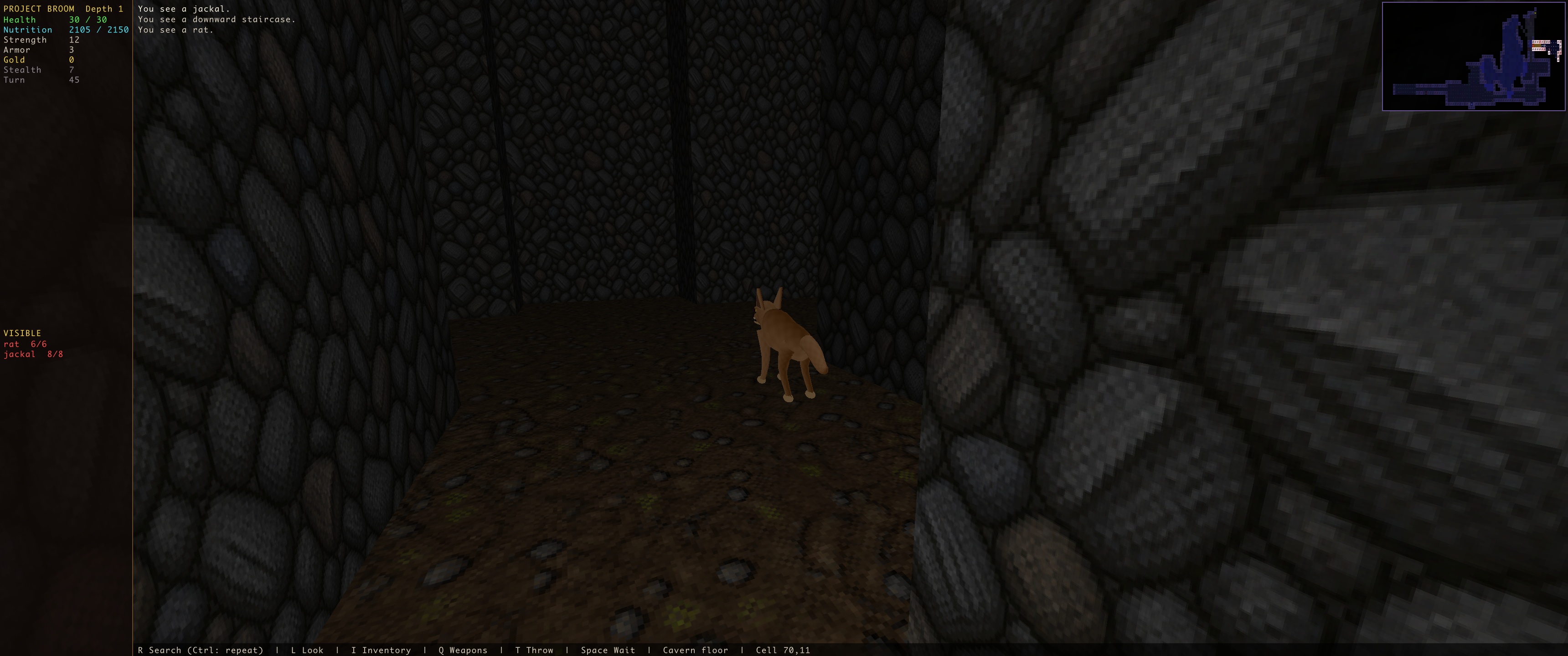
Project Broom brings the classic roguelike Brogue Community Edition into first-person 3D. Explore procedural caves, weigh every step, discover unfamiliar equipment, and face the creatures and hazards below.
Free to play. Donations are optional and help support development. This is a playable pre-alpha: expect rough edges, evolving visuals, and incomplete interface coverage.
How it works
The camera moves freely, but the adventure is turn-based. Moving, attacking, waiting, and using items send your intent to the real Brogue CE simulation. Brogue resolves the action; Project Broom shows the result through UZDoom. Monsters, combat, dungeon generation, items, and environmental effects follow Brogue’s rules.
What is included
- Procedural dungeons, seeded runs, eight-direction movement, melee combat, and floor transitions.
- Inventory and equipment, throwing, targeted staffs and wands, potions, scrolls, food, and charms.
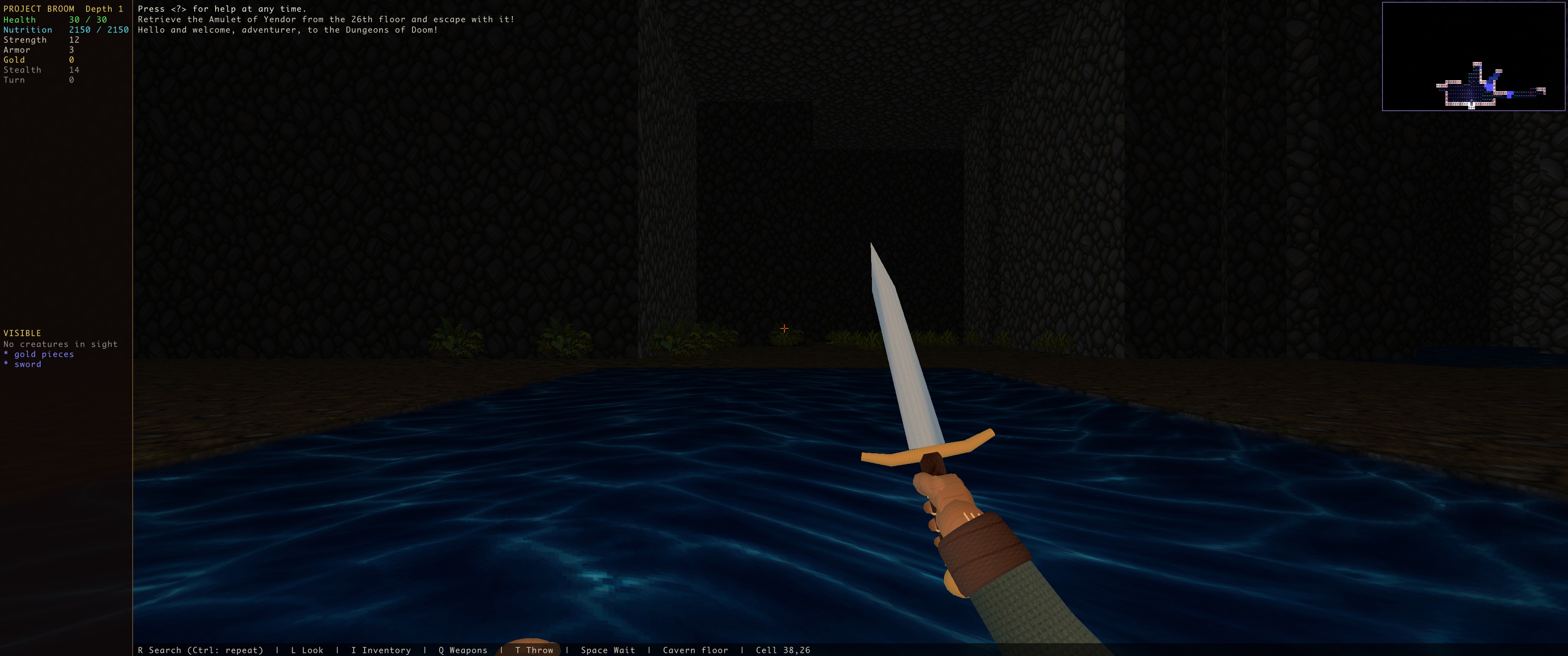
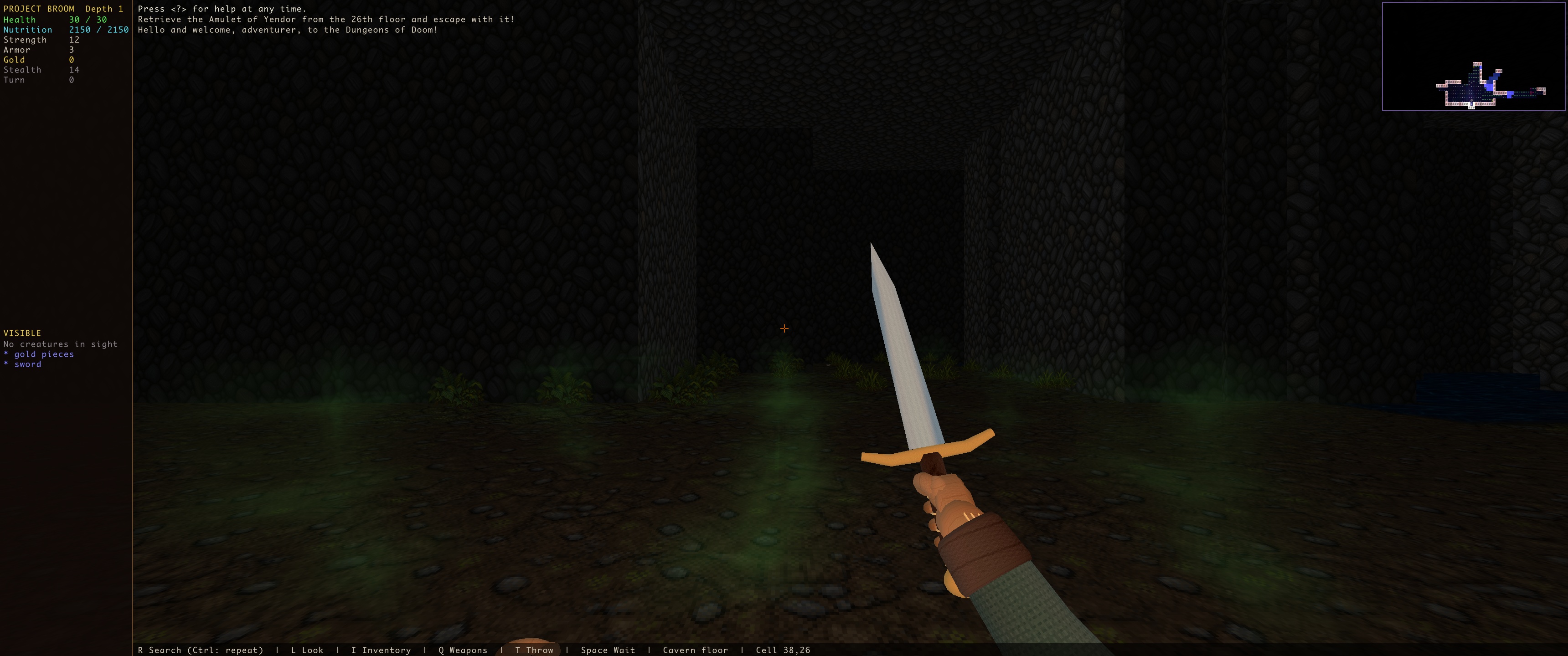
- 3D creatures, held weapons and pickups; cave materials, doors, bridges, foliage, pits, animated water, shoreline transitions, and gas effects.
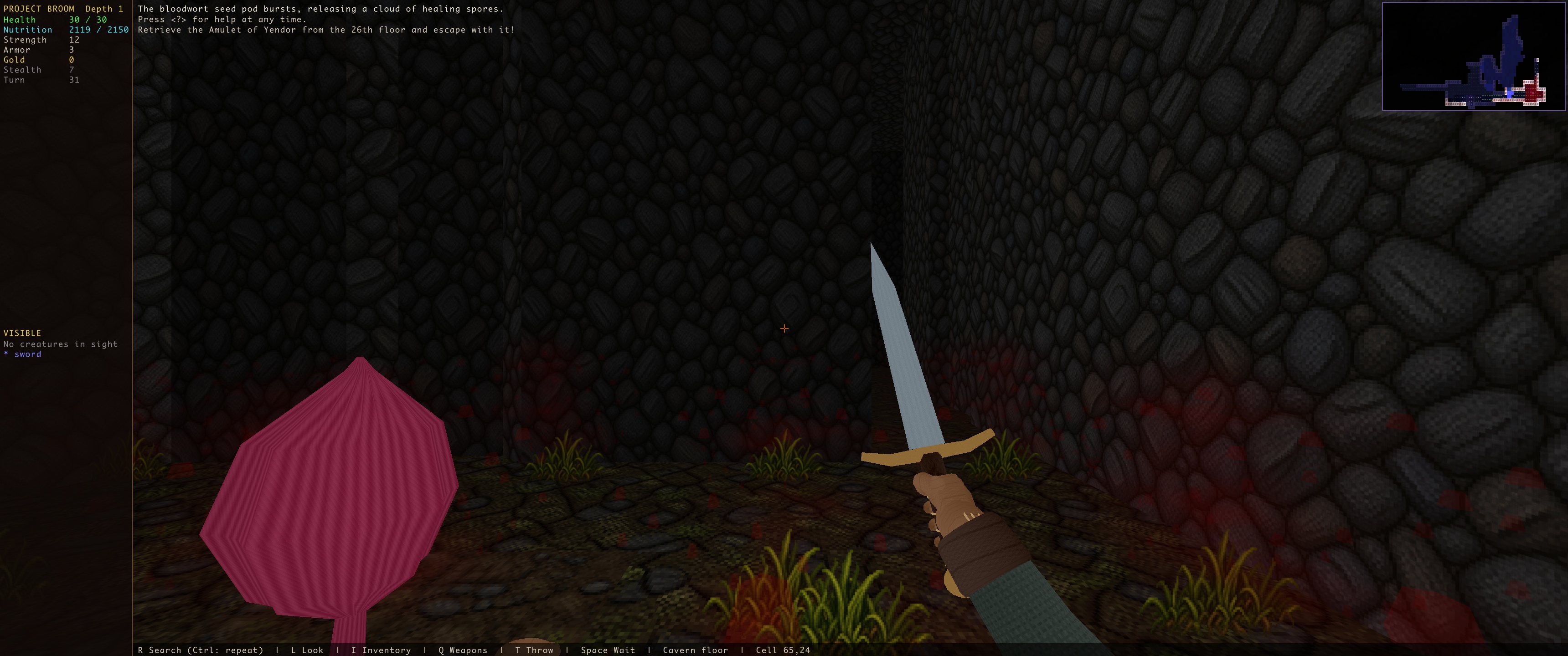
- Bloodwort presentation and its Brogue-driven lifecycle.
- Look mode, an ASCII minimap, and native save/resume support.
- A portable Windows x64 package with the game runtime and required data included. No separate Doom purchase or engine installation is needed.
What to expect from this early build
This is not yet a complete 1:1 presentation of every Brogue command, information screen, targeting interaction, or special effect. Save/load and gameplay parity are still being tested. Visuals and controls may change between builds.
Project Broom is single-player. It does not add new monsters, items, balance changes, real-time shooter combat, or multiplayer. Linux, macOS, mobile, and browser builds are not included in this download.
Start exploring
Download the Windows ZIP, extract the entire folder, and run ProjectBroom.exe. Choose New Game or enter a seed. The first launch of a new seed may take longer while its dungeon is prepared. Use the in-game options to review controls and adjust graphics. Use Saves → Save and Exit to suspend a run.
Follow development
Project Broom on GitHub — source code, development notes, known limitations, and issue reporting. Include your build version and seed with bug reports.
Gallery: current in-engine captures of bloodwort and enemies, plus controlled terrain and effect showcase scenes. Cover illustration is promotional art.
Download
Click download now to get access to the following files:
Leave a comment
Log in with itch.io to leave a comment.